Jumpstart your DevOps Journey
Make application delivery easy with a simple, powerful and unified workflow.
- Plan
- Change
- Track
- Deploy

One workflow for Dev and Ops
The road to continuous delivery starts here
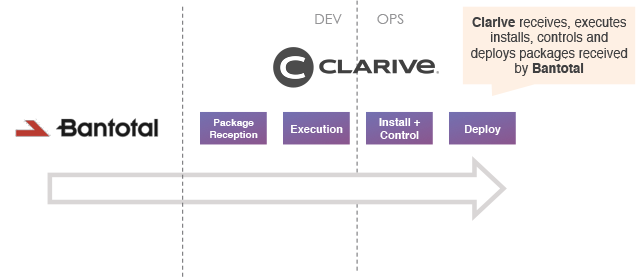
Clarive is the first tool to deliver an integrated experience to both Dev and Ops.

Plan
Define and schedule your milestones, quality gates and releases to match your product goals and ideas.

Change
Package source code or any artifact into changesets that support any review, test or deployment workflow.

Track
Follow your release progress through stages and environments while collaborating and iterating on kanban boards and topics.

Deploy
Automate release pipelines to provision infrastructure, resolve dependencies and deploy components.
See it working
From Development to Production, every step of the way
Bring your DevOps toolchain(s) into a simple and intuitive interface for your team.

Control and automation
Build, test, provision and release at scale
Clarive manages your environments and your deployments with tight controls and automation. Set up the rules in code or in a visual editor, and watch it roll.

Enterprise scale
10,000+
deployments every minute


Three ways in
A blueprint for every team and speed
Pick a Clarive teamplate that fits your delivery mode, complexity and velocity.
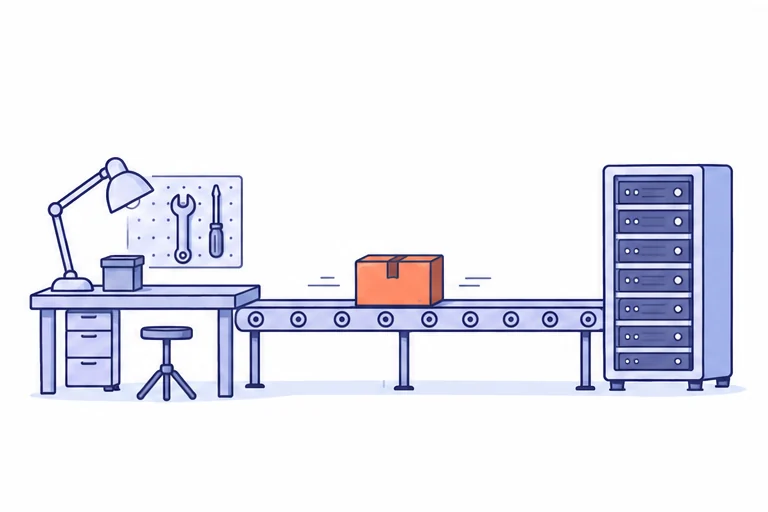
Dev teams
End-to-End Delivery
Get started with lean delivery and the right workflow. Replace redundant tools, and save time and money.
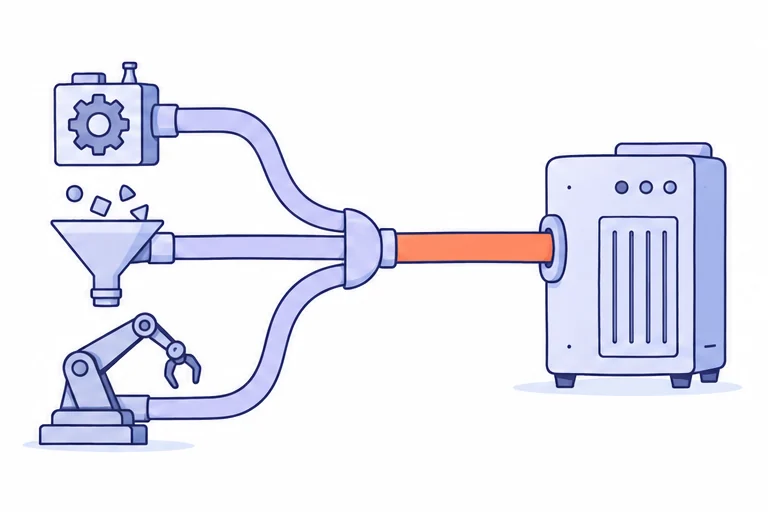
Ops teams
Release Automation
Centralize all delivery processes, coordinate silos and resolve application dependencies.
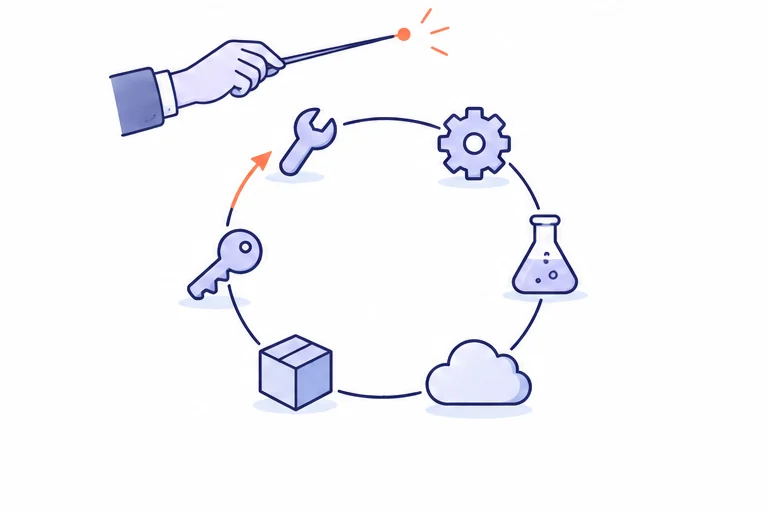
The whole toolchain
Orchestration
Manage all stages of delivery and make the toolchain work as one, from demand planning to development to deployment.
New in Clarive 7.22
Your delivery platform, as code
Servers, rules, projects, roles and users export as plain HCL files. Review each change as a diff, and import the same files into TEST or PROD.
Names, not database ids
Objects point at each other by name, like
generic_server.web01, so one file imports into TEST or PROD.A tree you keep in Git
cla exportwrites one file per object family and one per rule, and leaves unchanged files alone.Drift you can see
cla diffexits 1 when an installation no longer matches its files, so a scheduled job catches a change made by hand.
generic_server "web01" {
  hostname        = "web01.example.invalid"
  description     = "Front office box"
  os              = "win"
  connect_timeout = 60
  proxy           = generic_server.bastion
}

moved {
  to    = generic_server.web01
  names = ["oldweb", "web-01"]
}

removed {
  at = generic_server.decommissioned
}
pipeline "deploy-foo" {
name = "Deploy Foo"
when = "promote"
step "PRE" {
sh "Restart app" {
host = generic_server.alpha
run = "systemctl restart app"
on_error = "continue"
}
}
if "is prod" {
cond = "bl eq 'PROD'"
log "say it" {
msg = "hello"
level = "warn"
}
}
else {
perl "run perl" {
code = <<-EOT
my $x = 1;
return $x;
EOT
}
}
}project "foo" {
variables = {
"*" = {
db_host = "foo-db"
db_pass = null
"foo.bar" = "baz"
}
PROD = {
app_server = generic_server.foo-server
_natures = {
"nature.java" = { heap = "2g" }
}
}
COMUN = {}
}
}role "deploy-manager" {
name = "Deploy Manager"
description = "Runs deployments"
mailbox = "deploys@example.invalid"
grant {
action = "action.job.create"
bounds {
bl = "PROD"
}
}
grant {
action = "action.job.delete"
deny = true
}
}user "alice" {
email = "alice@example.invalid"
realname = "Alice Foo"
groups = [group.developers]
}
user "bob" {
grant {
id_role = role.deploy-manager
type = "project"
mid = [project.bar, project.baz]
}
}Built for the AI era
Output an assistant can write, formatting a person can review
Coding assistants work in text files, and their changes are reviewed as diffs. HCL puts an installation's configuration in that form: the assistant drafts, and a person approves exactly what will be imported.
$ cla -c prod import ./cla-objects/prod --prune
  1. CREATE    generic_server.back-office (15 attrs)
  2. UPDATE    generic_server.front-desk (1 attr)
  3. RENAME    generic_server.web01 <- generic_server.oldweb
  4. DELETE    generic_server.gone -- Not present in the imported files
1 create, 1 update, 1 rename, 1 delete
Apply these 4 change(s)? [y/N]
foo.hcl:2:9: error[HCL017]: Bare identifier 'bar' used as a value -- did you mean the string "bar" or a reference like resource.<class>.<name>?
  2 |   run = bar
    |         ^
One canonical form
The same configuration always writes the same bytes. Run
cla fmtover an assistant's edit and the diff holds only real changes.The file is the whole story
No expressions, no loops, and
${...}is plain text. What a reviewer reads is what gets imported.A plan before every write
cla importlists each change and asks first, defaulting to no.cla import-plansaves the plan as JSON for review.Errors it can act on
Each problem names the file, line and column, with a stable code a person or a model can look up and fix.
Hybrid by design
Don't leave anyone out
Hybrid architectures, speeds and methodologies can all become part of DevOps.
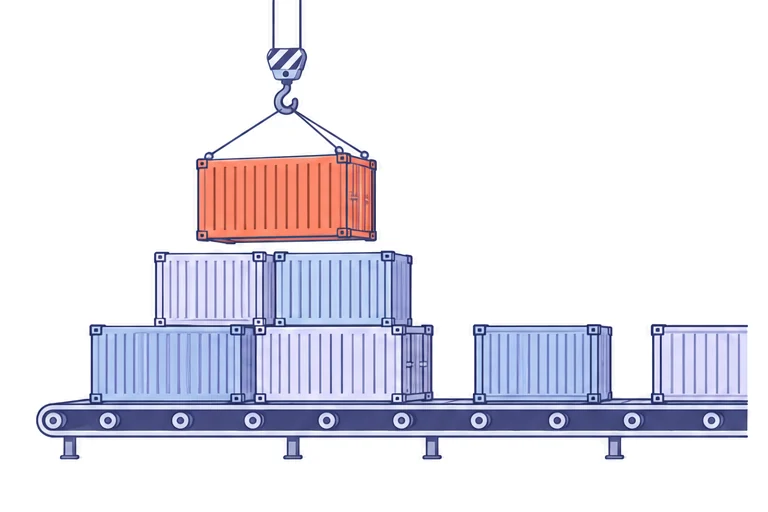
Deliver on DockerKubernetesOpenShiftHelmPodmanAmazon ECSNomad
DevOps that runs on containers. Run images from any Docker registry right inside your pipeline, managed by Clarive.
One HCL rule applies your manifests, waits for the rollout and undoes it if the pods never come up, with a cluster and namespace per environment.
The same rule with oc in place of kubectl, deploying to the OpenShift project that each environment's variables name.
Upgrade the release and wait for it to come up, or roll back to the previous revision, ConfigMaps included, from the same rule.
On a plain Podman host, the rule's step pulls the new image and restarts the systemd service that runs the container.
Register a new task definition, point the service at it with the AWS CLI, and wait until the service is stable again.
Submit the job file with nomad job run, and Nomad's auto_revert goes back to the last stable version if a deployment fails.
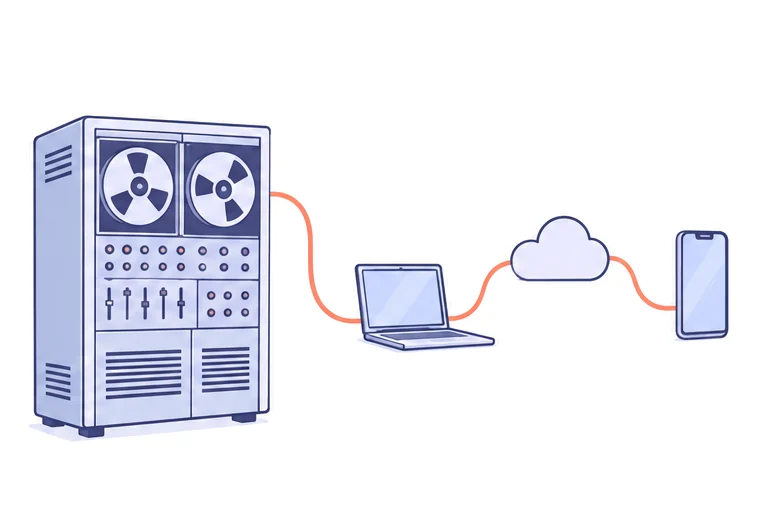

Run on your rules
Rule-based automation keeps delivery pipelines uncomplicated, written in code or visually with simple if-this-then-that rules.
Complex platforms, super flexibility, fine-grained control?
Get our Enterprise version.

Clarive is the workflow of choice for thousands of users and over a million pipeline executions a day